Transform Customer Interactions with Vapio’s WhatsApp API Solution

Client Success Stories: Results
We've Helped Achieve
Operational Cost Efficiency
+25% improvement
Communication Expenses
-20% decrease
Customer Churn
-10% reduction
Man Hours Saved
500+ hours
Customer Engagement
+70% increase
Official WhatsApp Promotional Message Broadcasting
● Effortlessly Share Exciting Offers with Vapio’s WhatsApp Broadcasting Feature
Send engaging promotional offers without the worry of your number being blocked! Vapio’s WhatsApp automation tool guarantees smooth delivery for impactful WhatsApp marketing campaigns.
● Reach a Wider Audience with Targeted WhatsApp Marketing Messages
Leverage Vapio’s WhatsApp bulk broadcast feature to effortlessly send messages to multiple recipients via a WhatsApp broadcast list, spreading joy and savings effectively.
● Seamless Integration with WhatsApp Business API
Vapio’s user-friendly WhatsApp Business API integrates effortlessly into your existing workflow, enabling you to execute a powerful and efficient WhatsApp marketing strategy.
Your Customer Support with Automation
Use WhatsApp Business API to automate messaging and streamline customer interactions.
Enhance support with a customizable chatbot for FAQs and troubleshooting.
Gain insights from the WhatsApp Business Chat API to improve service quality.
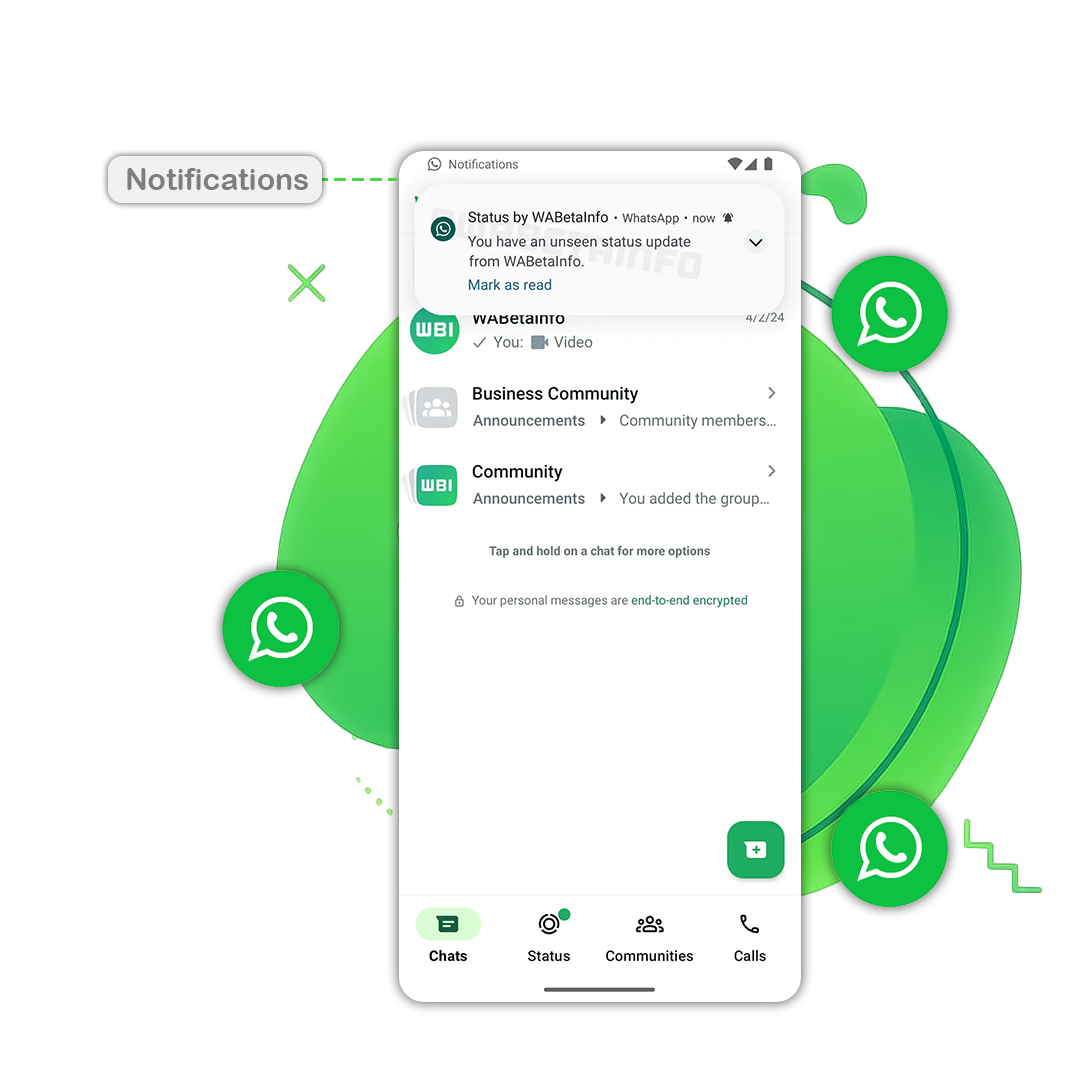
Notify Relevant Updates
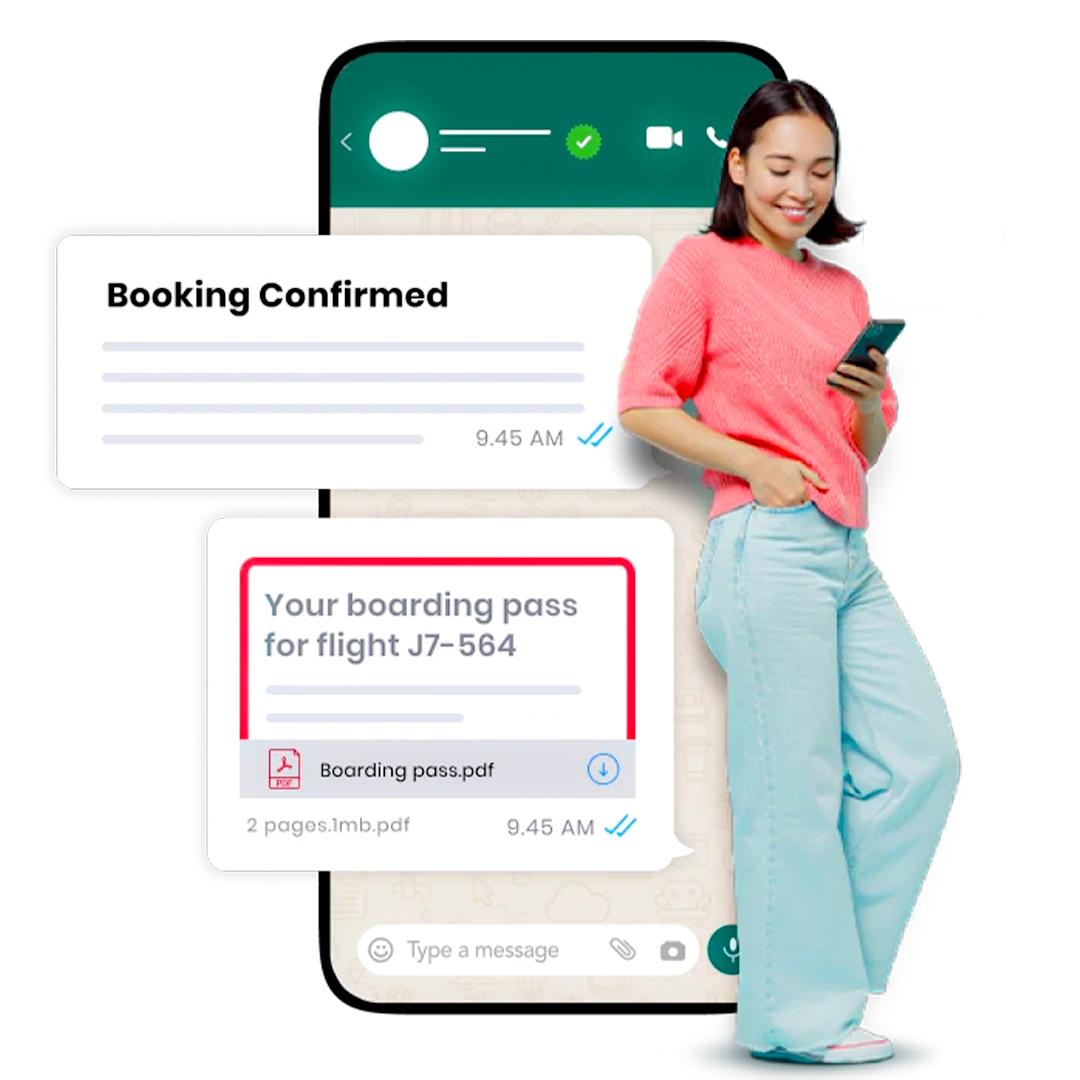
Enhance Client Engagement by automating the delivery of essential transactional updates through your WhatsApp Business Account.
Effortlessly send notifications about orders, shipments, returns, reimbursements, and more to specific user segments using the WhatsApp Business API in Delhi.
Develop customized automated workflows to efficiently handle large volumes of client interactions and ensure smooth communication.
Leverage WhatsApp Chatbots to streamline operations, reduce agent workload, and automate tasks like feedback collection, appointment bookings, and answering FAQs.
Everything you need, now packaged into one
streamlined self-serve platform
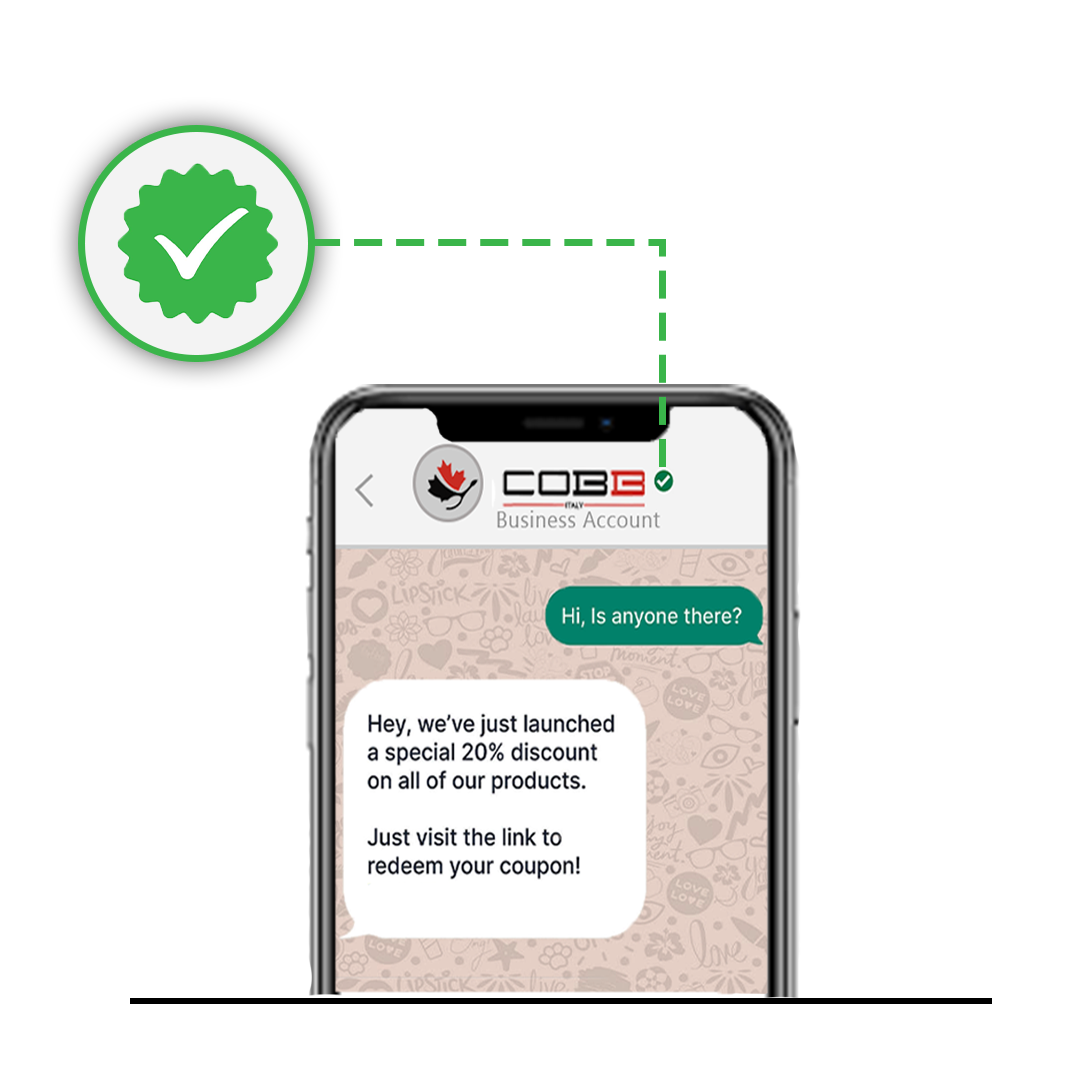
How to Get Verified on WhatsApp
Complete Your Business Profile
Make sure your business profile is fully updated with accurate details, including your company name, description, logo, and contact information.
Submit the Verification Request
Through the WhatsApp Business API, submit your request to get verified. This step involves confirming your business’s legitimacy and linking it to your official WhatsApp account.
Provide Supporting Documentation
Prepare any required documentation to verify your business, such as your business registration certificate, tax ID, or other official documents that prove your company’s authenticity.
Wait for Approval
After submitting your request, WhatsApp will review the information and documents provided. The approval process can take time, so be patient while they verify your account.